AI Apps · a screen you share
Ask your agent for an app.
Work on the same screen.
Hybrid apps: one screen where you and your agent work on the same files.
Ask for one
You describe the screen you wish existed, and your agent builds it against your own folders.
You ask
Make me an app for the product photos you generate: a grid where I approve or reject each one and tell you what to change.
In the composer, in your own words — no spec, no repo, no build step.
One sentence.
Your agent builds it
It scaffolds with 00 app new, attaches it to your files, draws the page, and runs 00 app check. Errors reach it on their own.
You allow what it may do, one line each, at your Mac.
You work on the files together
The app shows the work. Keep one, drop one, click what is wrong and say why. It prefills the composer; nothing sends until you do.
Same files, same moment.
What an app may do
- filesRead files in media/, projects/cuts/; change files in projects/cuts/
- mediaPlay video, audio and images from those folders inside the app
- computeRun heavier code (WebAssembly and background workers) on this machine
- toolsRun your agent's tool render_cut when the app asks — you see each run
- importSave files you drop onto the app into media/
- stateRemember its own settings and layout between opens
Skills, viewers, apps
A skill
Instructions your agent reads. You ask, it works, it tells you.
No UI.
A viewer
Draws one file — a storyboard, a plan, a report.
Read-only.
An AI App
A screen the two of you share: files, media, your agent's tools.
Capabilities you grant, one by one.
Built in is the fourth kind: native views that ship with 00 — no consent screen.
One built in, five in the marketplace
The video editor is 00 itself. The other five install from the store, like anybody else's.

Clip Cutter
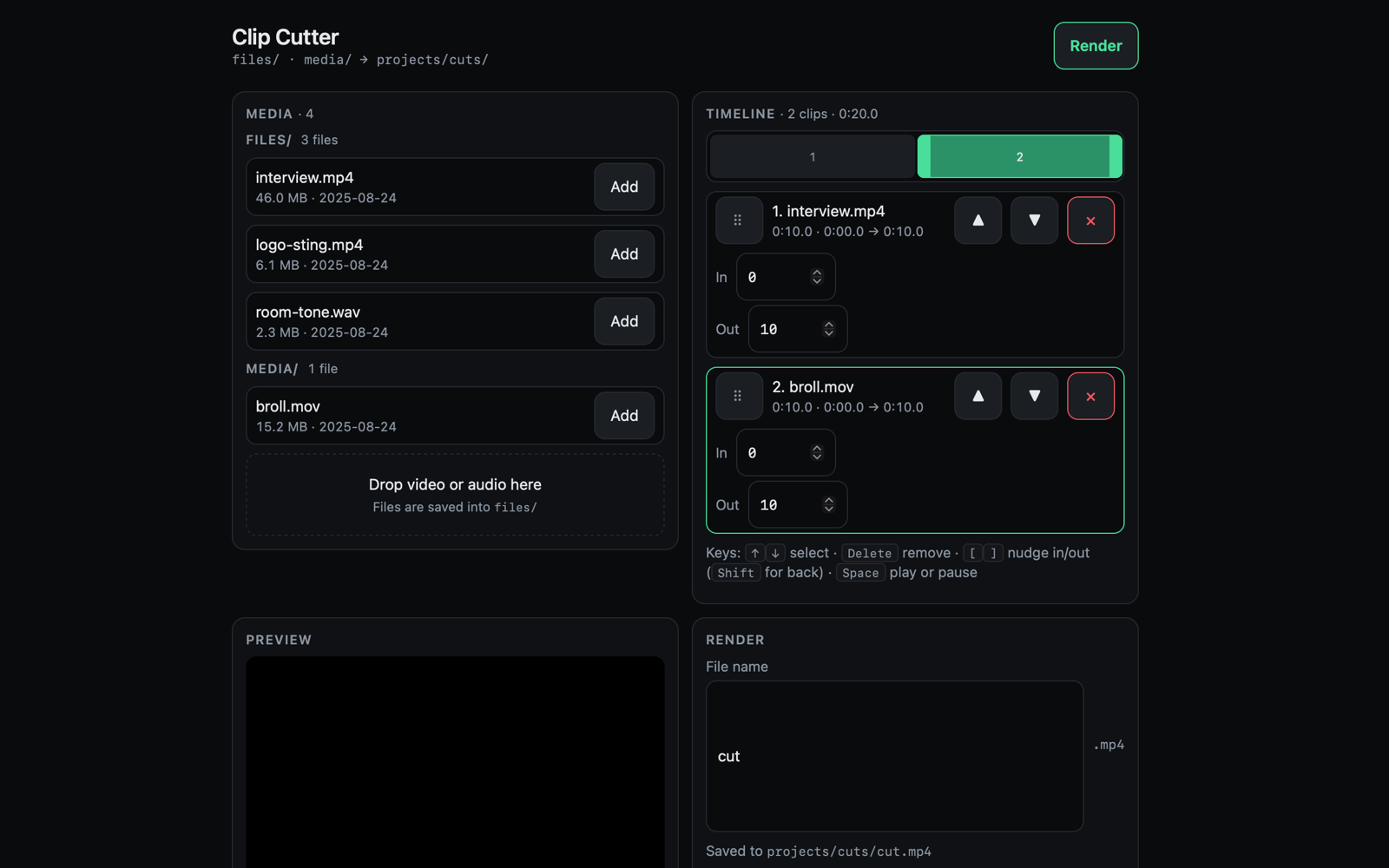
Turn your videos into short clips: pick the moments, order them, get one finished video.
In the marketplace Install → New Session → Cut a video

Contact Sheet
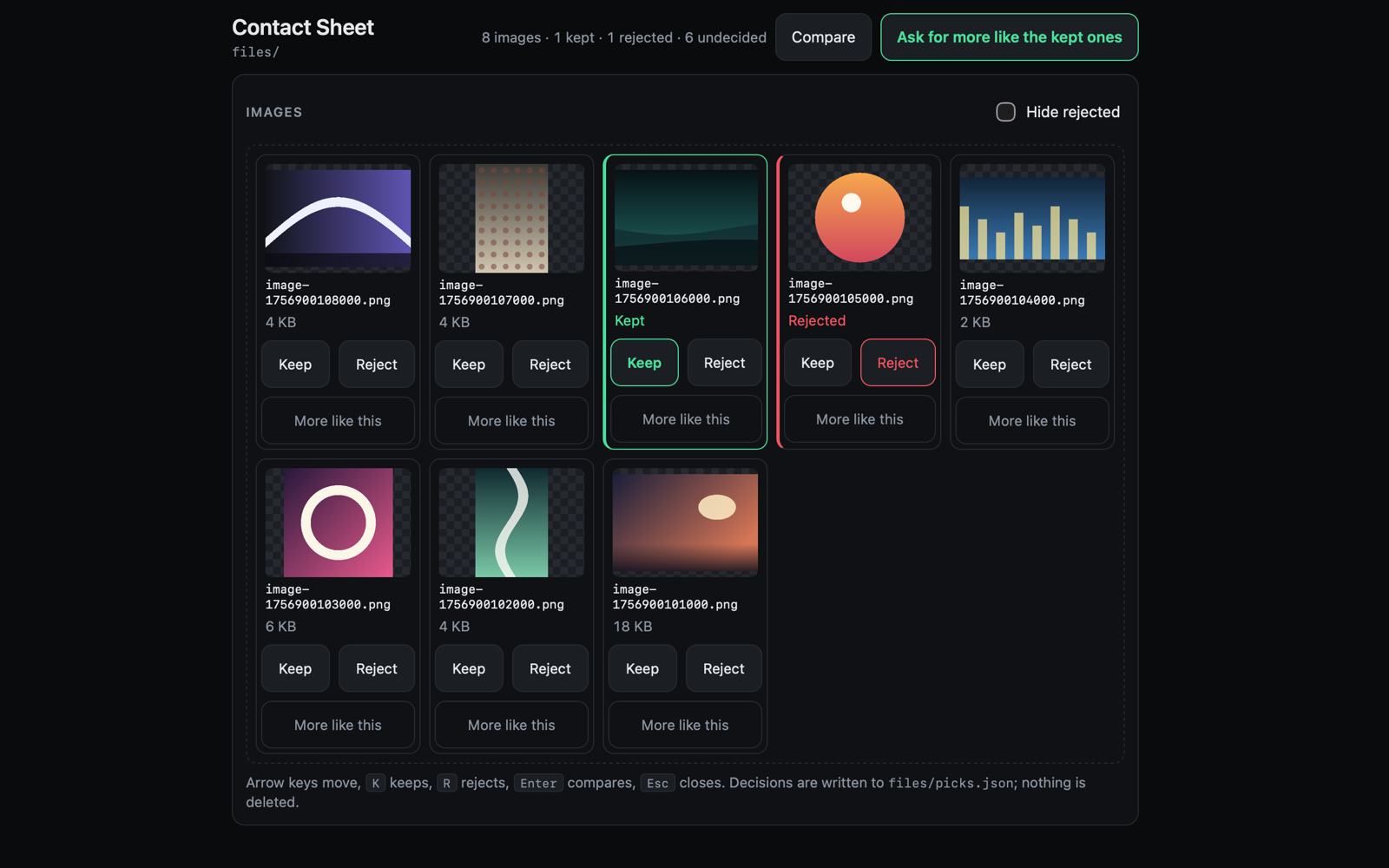
See your generated images side by side, keep the ones you like, ask for more like them.
In the marketplace Install → New Session → Review generated images

Sheet Studio
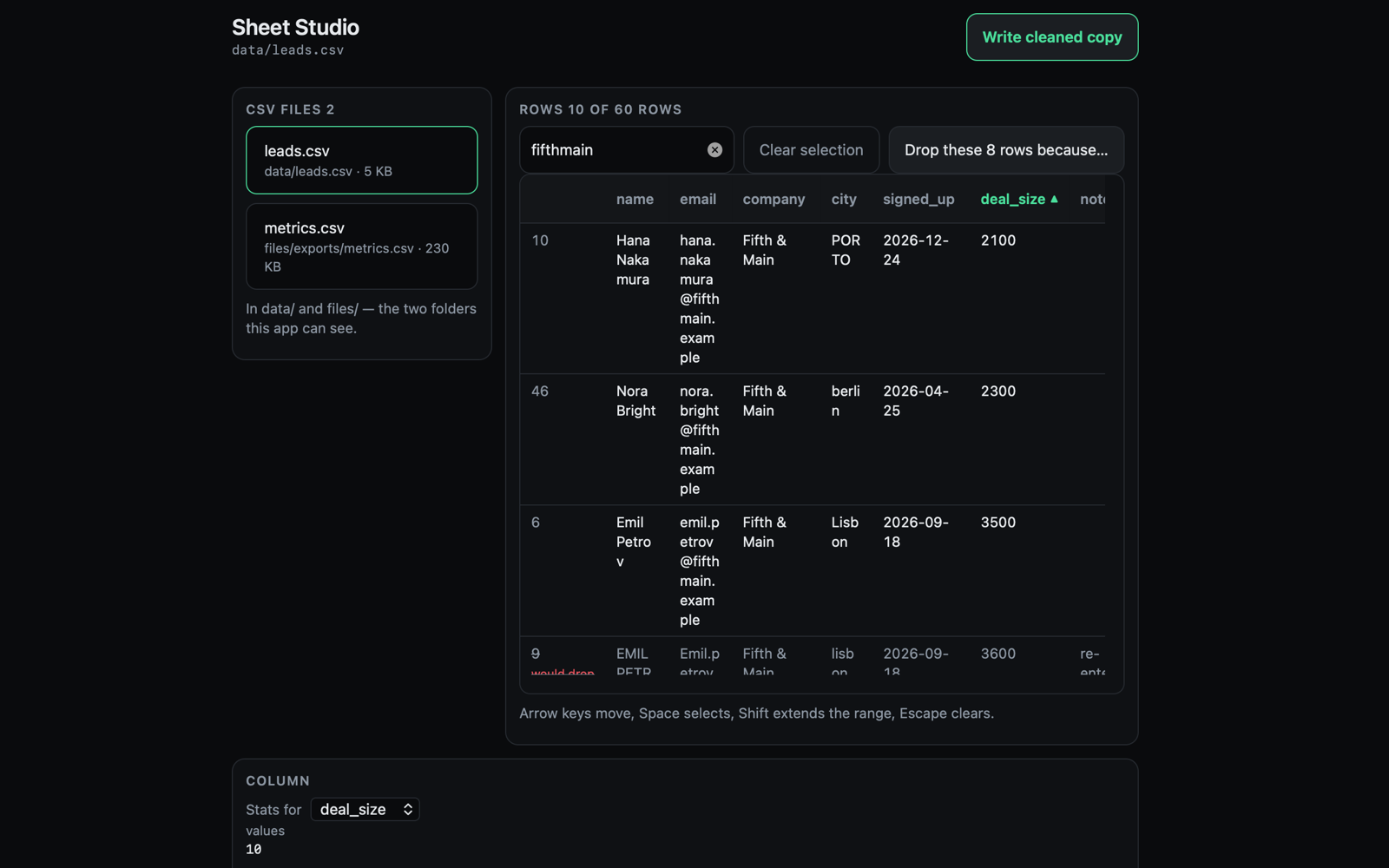
Tidy up a spreadsheet: sort, filter, spot duplicates, save a clean copy.
In the marketplace Install → New Session → Clean a spreadsheet
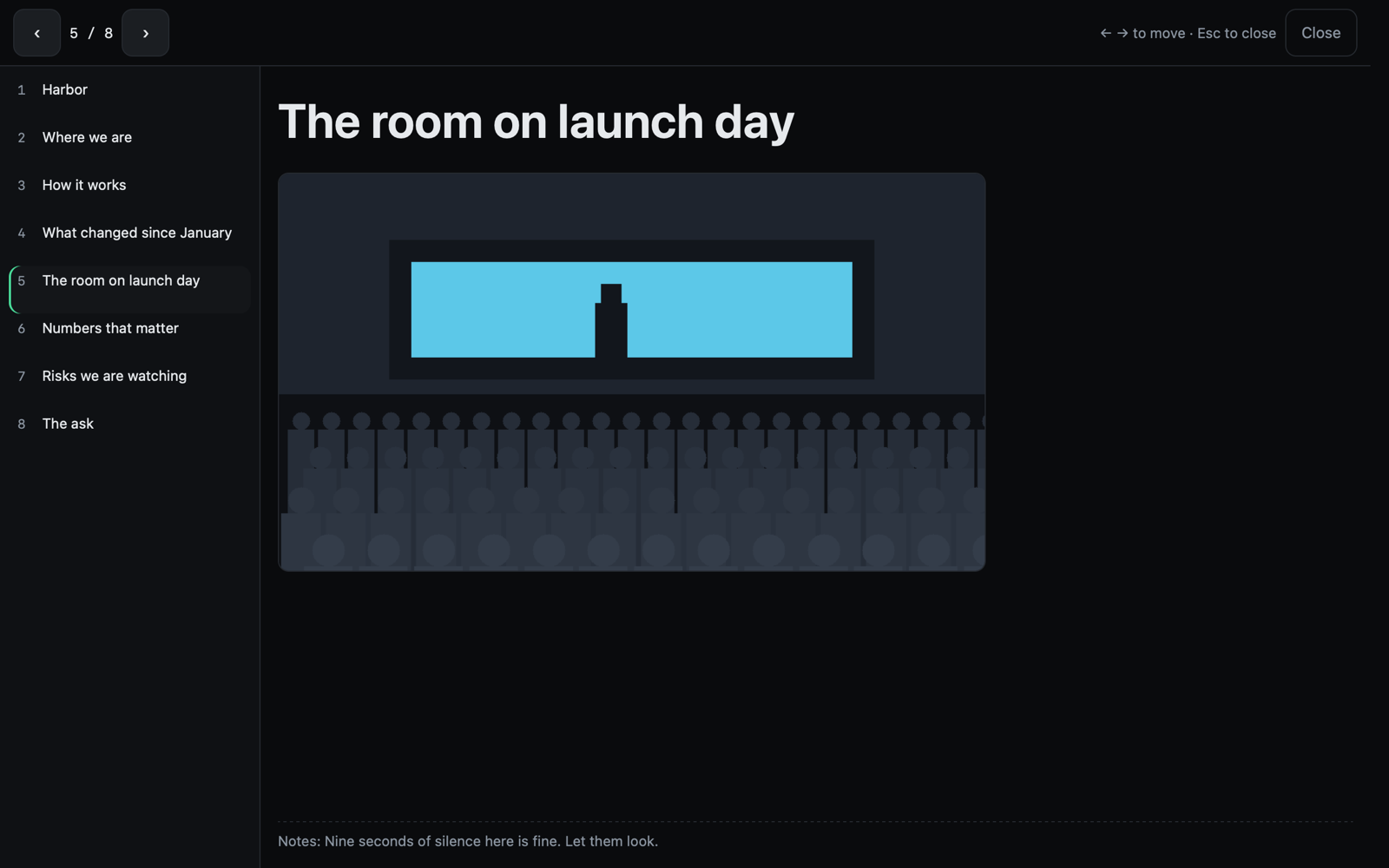

Deck
Build a presentation together: your agent drafts the slides, you reorder and refine them.
In the marketplace Install → New Session → New deck
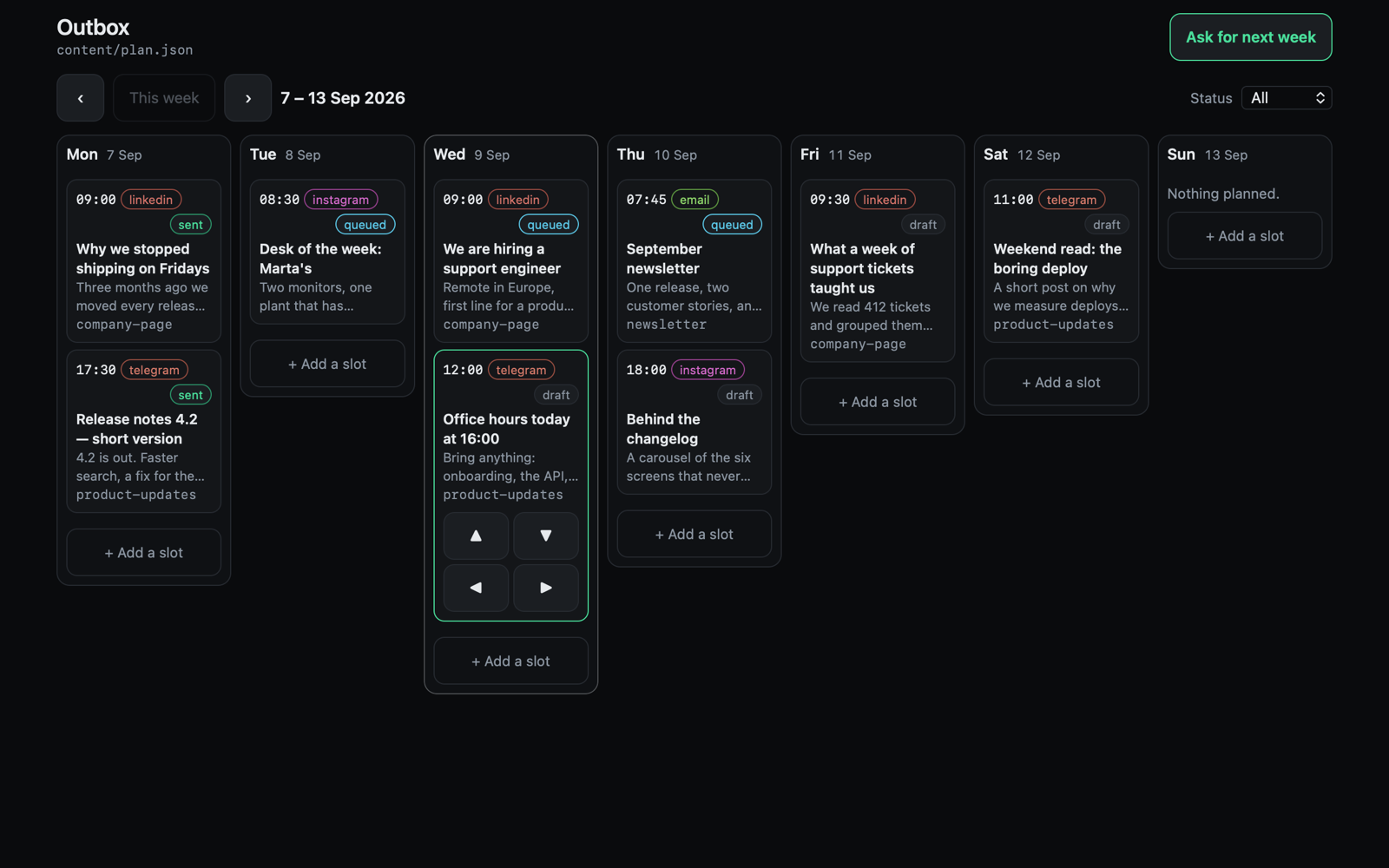

Outbox
Plan a week of posts and newsletters on one calendar, then let your agent send them.
In the marketplace Install → New Session → Plan next week's posts

Video Editor
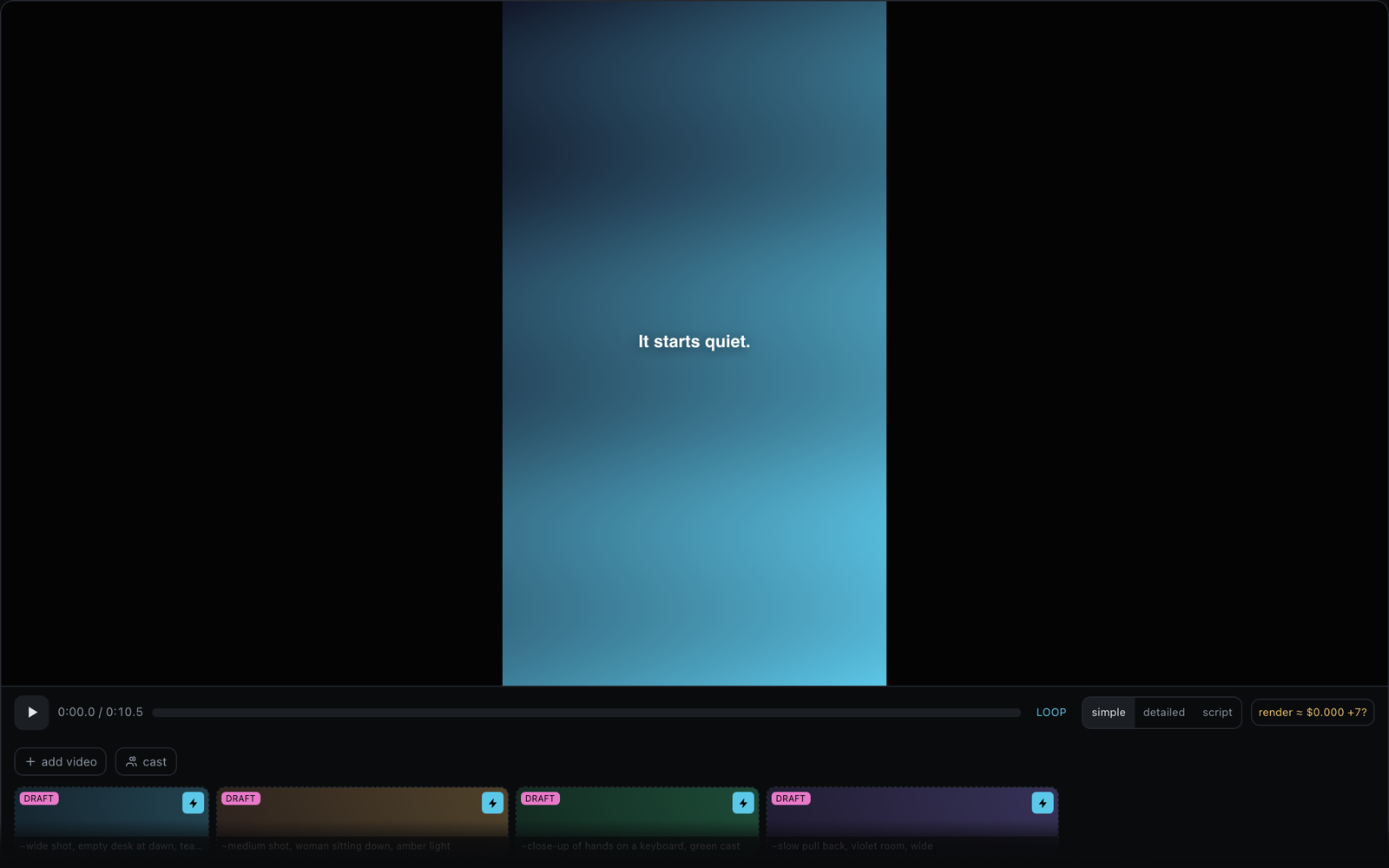
Make a video with your agent: a script, a storyboard, then a timeline you can scrub and re-cut.
Built into 00
Expand it
$ 00 app new photo-grid grid
A page, a tool, a manifest that asks for nothing, a passing test.
$ 00 app check photo-grid
Every reach the policy would refuse silently, printed as a line.
$ 00 app test skills/photo-grid
Walks the flow against a fake host — no screen needed.
$ 00 app shots ./skills/photo-grid
The Mac photographs the app against sample data.
$ 00 publish ./skills/photo-grid
Packs and submits it; --price 4.99 prints your net first.
Then share it
00 publish submits the folder. A person reads it, and approval signs the exact bytes — a bundle changed after review installs nowhere. Lists as @handle/slug.
Free, or priced
A buyer's card is charged on your Stripe account; the 30 % commission rides as the application fee. A €4.99 sale pays you €3.49, and a purchase covers the workspace.
Give the work a screen you both can see.
Install an AI App, allow what it may do, and get on with the part only you can do.
Free Mac app · local agents need no account · no telemetry · apps have no network of their own